Accounting

Automate Financial Documents &
Client Reports

Automate invoices, expense reports, financial statements, and tax documents. Connect to QuickBooks, Xero, or any platform via API.

Every document your firm needs

  • Client InvoicesProfessional invoices with itemized services, hourly rates, and payment terms.
  • Expense ReportsDetailed expense summaries with receipt attachments and category breakdowns.
  • Financial StatementsBalance sheets, income statements, and cash flow reports.
  • Tax DocumentsTax summaries, 1099 forms, and year-end tax packages for clients.
  • Audit ReportsInternal audit findings, compliance reports, and review documentation.
  • Payment ReceiptsPayment confirmations, retainer receipts, and billing statements.
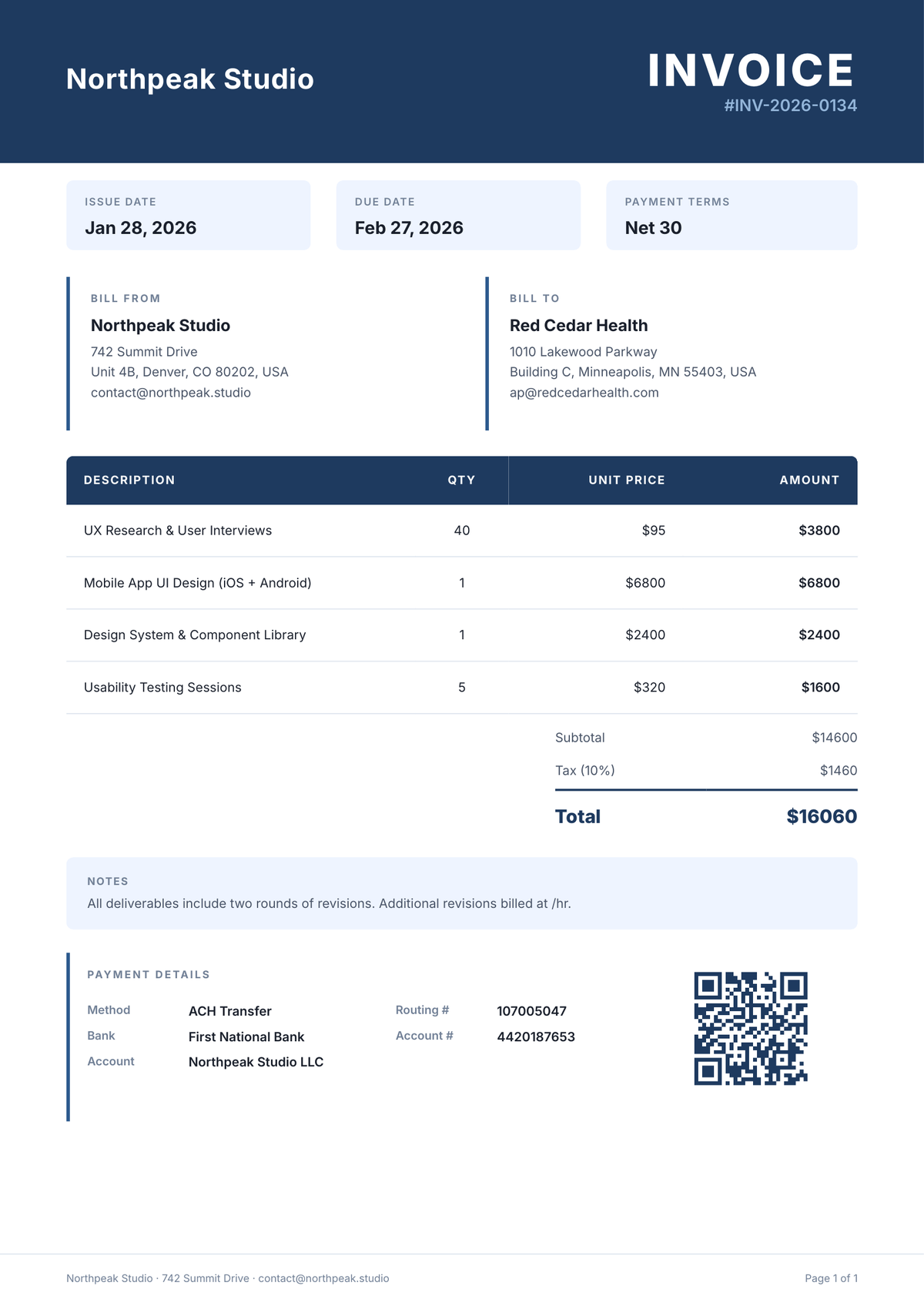
Professional invoice template
Looks great
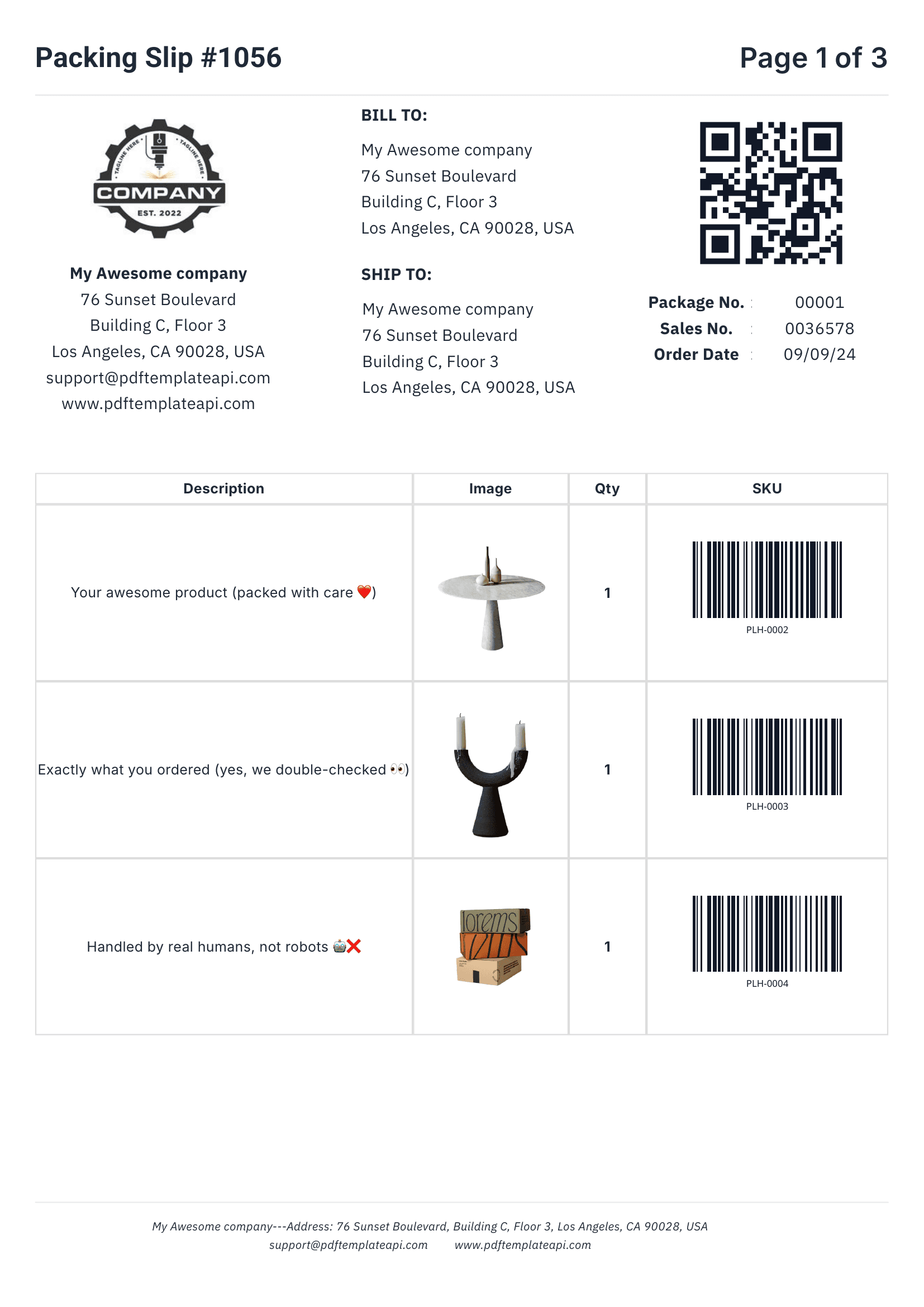
PDF template example - Packing Slip
1
2
3
4

Built for real-world documents

Everything you need to create professional business documents, from invoices to packing slips.

1

Headers & footers that just work

Define once, repeat on every page automatically. Perfect for logos, page numbers, and legal mentions.

2

Dynamic data binding

Inject any data into your templates. Names, addresses, prices, etc. — everything updates automatically.

3

Tables that grow with your data

Rows grow automatically with your data. 3 items or 300, the table adapts and spans multiple pages if needed.

4

Built-in QR codes & barcodes

Generated on the fly from your data. Supports Code128, EAN-13, QR codes and more — all scanner-ready.

Try it free

60 free PDFs/month

Easy to use

Documents that adapt to your data

Go beyond simple placeholders. Use expressions to format, calculate, and control your content.

1

Use system variables

Access page numbers, total pages, and current date and more automatically with {{sys.page_number}} and friends.

2

Customize every component

Fine-tune content, borders, colors, sizes, positions, and more. Each element has its own properties panel.

3

Built-in functions

Format dates, calculate totals, round numbers, and more. Use 100+ built-in functions or create your own.

Start building

No credit card required

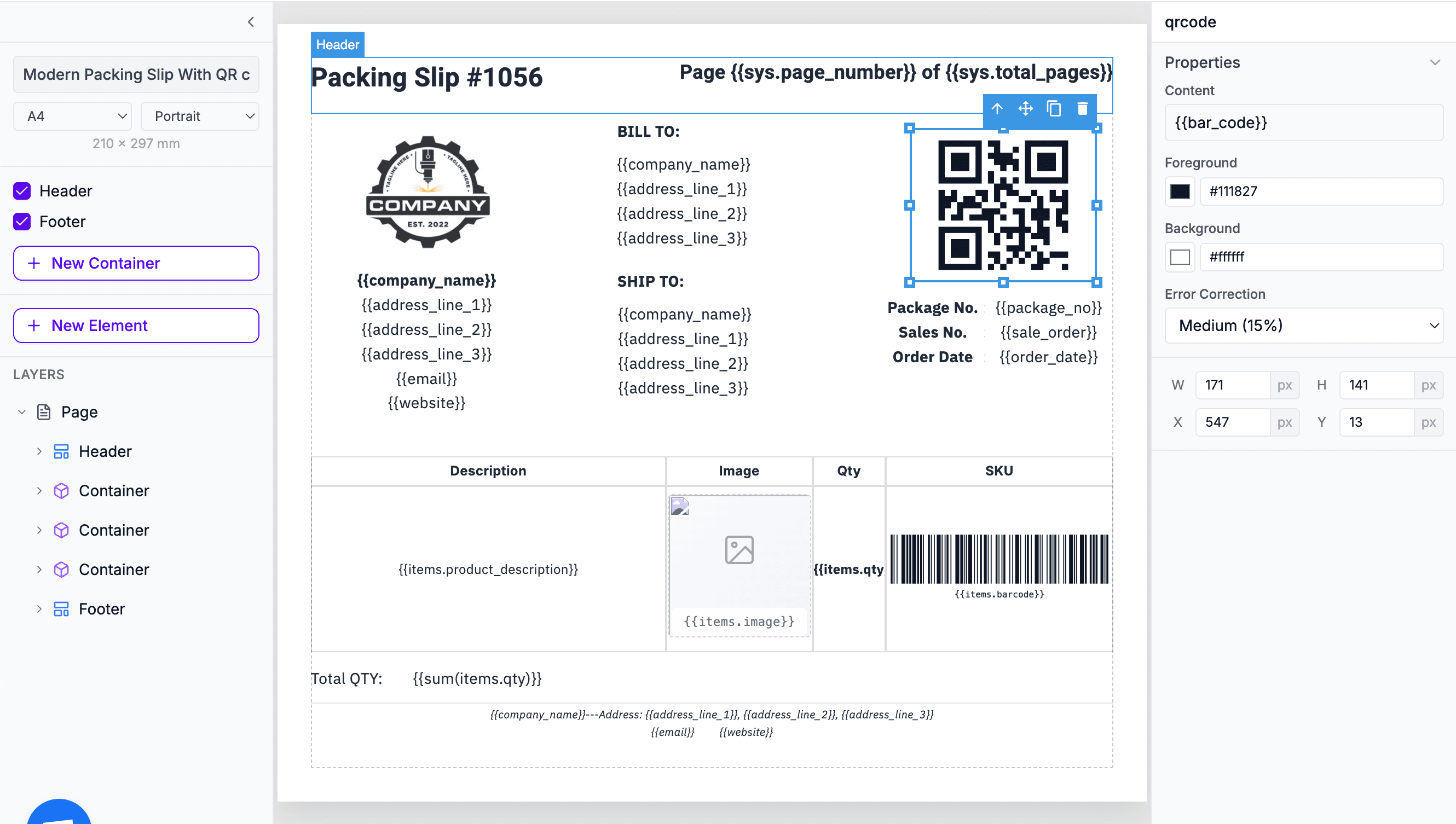
Template editor with expressions
1
2
3
Without writing a line of code

No-code integrations

Generate PDFs automatically with Zapier, Airtable, Make and other popular no-code platforms of your choice.

Automate PDFs in ZapierAutomate PDFs in AirtableAutomate PDFs in MakeAutomate PDFs in BubbleAutomate PDFs in n8n

WORKS WITH

QuickBooksXeroFreshBooksSageWaveZoho Books
Accounting templates

Sample templates

Professional PDF templates for invoices, receipts, financial statements, and more. Fully customizable and ready for API integration.

Professional Corporate Business Invoice

Professional Corporate Business Invoice

Consulting Service Receipt Template

Consulting Service Receipt Template

European Corporate Invoice with VAT & IBAN

European Corporate Invoice with VAT & IBAN

Frequently asked questions

How do I integrate TemplateFox with QuickBooks or Xero?

TemplateFox connects to QuickBooks, Xero, and other accounting software via our Zapier integration or Make. Trigger invoice generation when transactions are recorded, clients are billed, or reports are due.

Can I generate invoices automatically when I bill a client?

Yes. Connect your accounting software to TemplateFox via Zapier or Make. When you create an invoice in QuickBooks or Xero, the automation triggers and generates a branded PDF with your firm's letterhead, payment terms, and all line items.

How do I create professional invoice templates?

Use our template editor to design custom invoices. Add your firm's logo, choose fonts and colors, configure line item tables, and set up payment terms. Templates support dynamic data for client details, services, rates, and totals.

Can I generate financial statements from accounting data?

Yes. Export data from your accounting software and pass it to our API. Templates support complex tables for balance sheets, income statements, and cash flow reports with automatic calculations displayed.

How do I batch generate invoices for multiple clients?

Use our REST API for batch processing or set up automations in Make. Generate hundreds of invoices in parallel for end-of-month billing runs.

Can I add payment QR codes to invoices?

Yes. Our template editor includes native QR code components. Add QR codes linking to payment portals, PayPal, or bank transfer details for quick mobile payments.

What invoice formats are supported?

We support any page size including A4, US Letter, and custom dimensions. Invoices can be portrait or landscape, single or multi-page. Templates are fully customizable to match your firm's branding.

Can I generate expense reports with receipt images?

Yes. Templates can include embedded images. Pass receipt image URLs in your data, and they'll render inline in the expense report. Useful for client-facing expense summaries with visual proof.

How much does it cost for accounting document generation?

TemplateFox offers 60 free PDFs per month — enough to test your workflows. Paid plans start at $19/month for higher volume. Each PDF generation costs 1 credit regardless of page count. View pricing for details.

Automate your PDF generation

Complete documentation, no-code integrations, and a powerful API to help you generate PDFs at scale. Let us handle the boring stuff.