Generate PDFs in Your Bubble App with TemplateFox

No-code PDF generation

Add professional PDF generation to your Bubble app using API Connector. Create invoices, contracts, certificates, and any document type without writing code.

  • Native integration via API Connector
  • Generate PDFs from any Bubble workflow
  • No plugins required - just API calls
Get Started for Free

100 free PDFs/month. No credit card required.

+
TemplateFox
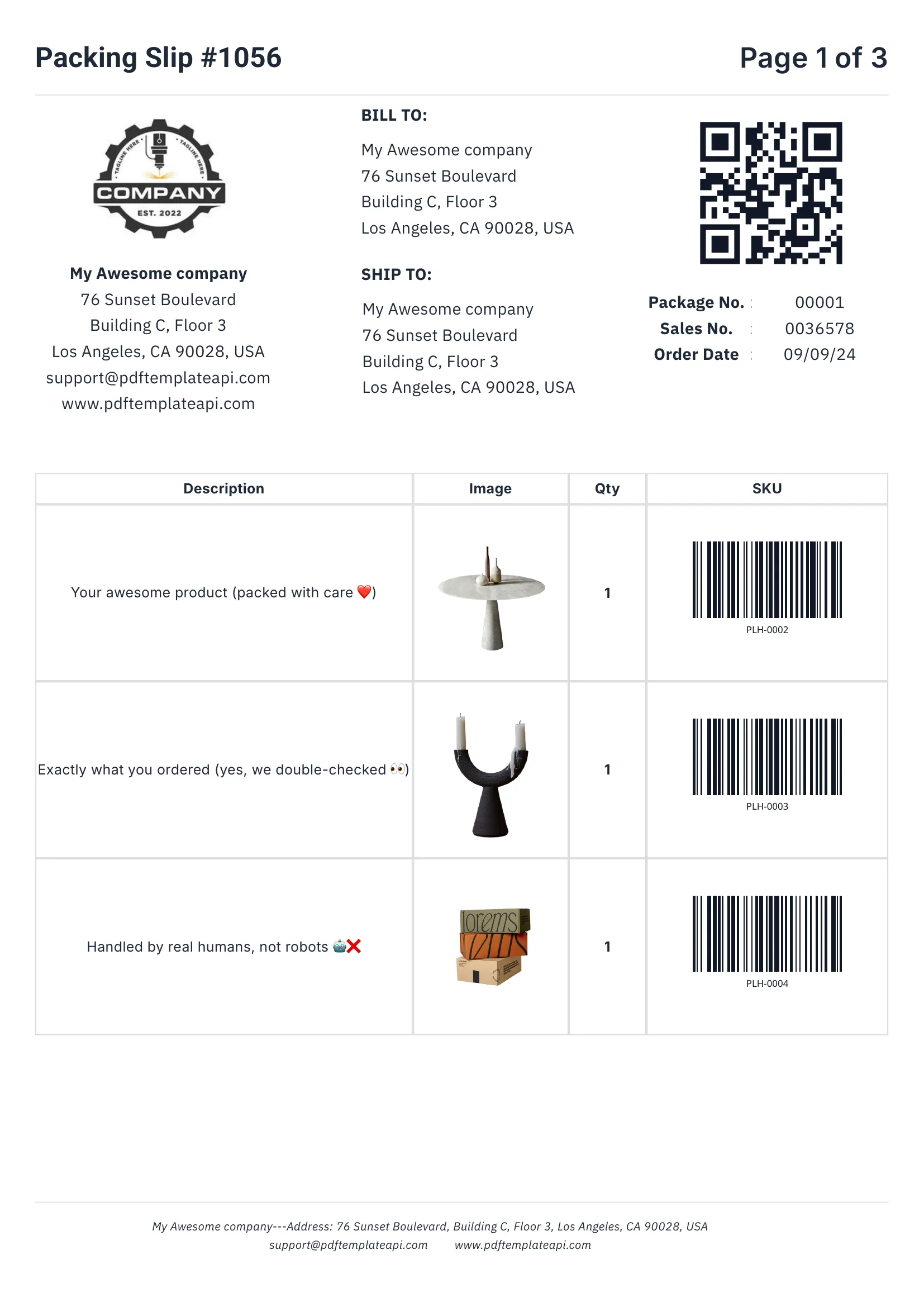
Generated PDF - Emily Davis
Generated PDF - Robert Brown
Generated PDF - John Doe

How it works

Add PDF generation to your Bubble app in minutes using API Connector.

1

Design your template

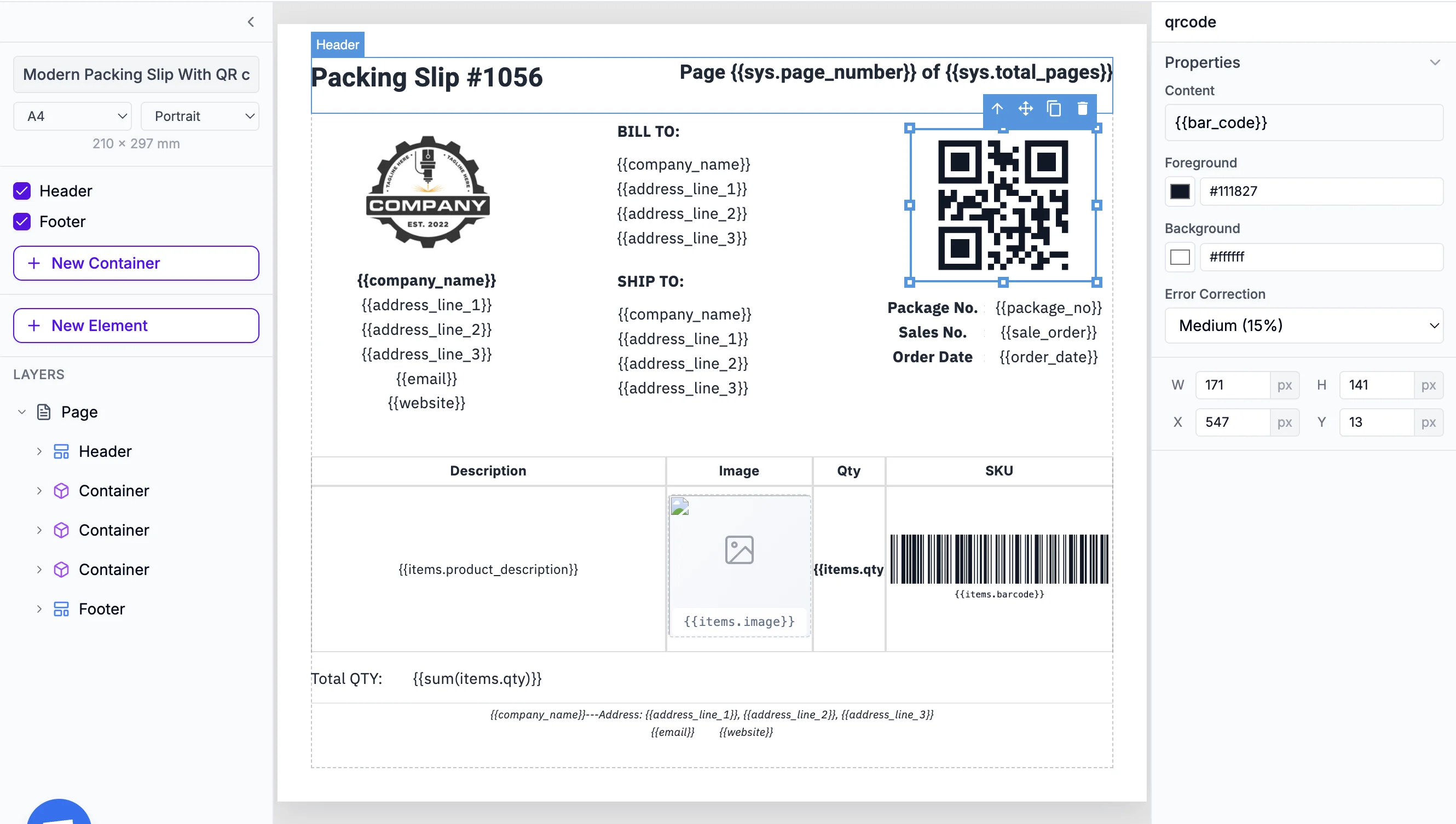
Use our visual drag-and-drop editor to create your PDF template. Add dynamic variables like {{name}} or {{total}}.

2

Set up API Connector

In Bubble, go to Plugins → API Connector and add the TemplateFox API with your API key.

3

Create your API call

Configure a POST request to our PDF generation endpoint with your template ID and data fields.

4

Use in workflows

Add the API call to any workflow - button click, form submission, or scheduled event.

Popular use cases

See how Bubble developers use TemplateFox to add PDF generation to their apps.

Invoices & Receipts

Generate professional invoices and receipts when users complete purchases in your Bubble app.

Contracts & Agreements

Create contracts with user data automatically populated and ready for signing.

Certificates

Generate certificates of completion, achievement, or membership for your users.

User Reports

Create personalized reports, summaries, or dashboards as downloadable PDFs.

Custom Documents

Generate any type of document with dynamic data from your Bubble database.

Proposals & Quotes

Create professional proposals and quotes automatically from form submissions.

Powerful features

Everything you need to create professional PDFs at scale.

Visual Template Editor

Design templates with drag-and-drop. No HTML or CSS required.

Instant Generation

PDFs generate in 1-3 seconds and you get a download URL.

Dynamic Data

Pass any Bubble data to populate your templates automatically.

Quick setup guide

Get started in under 10 minutes.

1. Get your API Key

Go to your Dashboard → API Key and copy your API key.

2. Install API Connector

In Bubble, go to Plugins and install the API Connector plugin if you haven't already.

3. Add a new API

Create a new API called "TemplateFox". Add a shared header:X-API-Key: your-api-key

4. Create the API call

Add a new call. Set method to POST, URL to https://api.pdftemplateapi.com/v1/pdf. Set body type to JSON and add your template_id and data fields.

5. Use in workflows

Add the API call action to any workflow. The response includes a PDF URL you can display or download.

Need detailed API documentation?

View API Docs

Ready to add PDFs to your Bubble app?

Start generating professional PDFs in your Bubble app today. 100 free PDFs every month, no credit card required.

Get Started for Free

Automate your PDF generation

Complete documentation, no-code integrations, and a powerful API to help you generate PDFs at scale. Let us handle the boring stuff.