Test PDF Generation with Postman

API testing made easy

Use Postman to test and explore the TemplateFox API. Test PDF generation, debug requests, and generate code snippets for your application in any language.

  • Test API endpoints interactively
  • Pre-configured request examples
  • Easy debugging and exploration
Get Started for Free

100 free PDFs/month. No credit card required.

+
TemplateFox
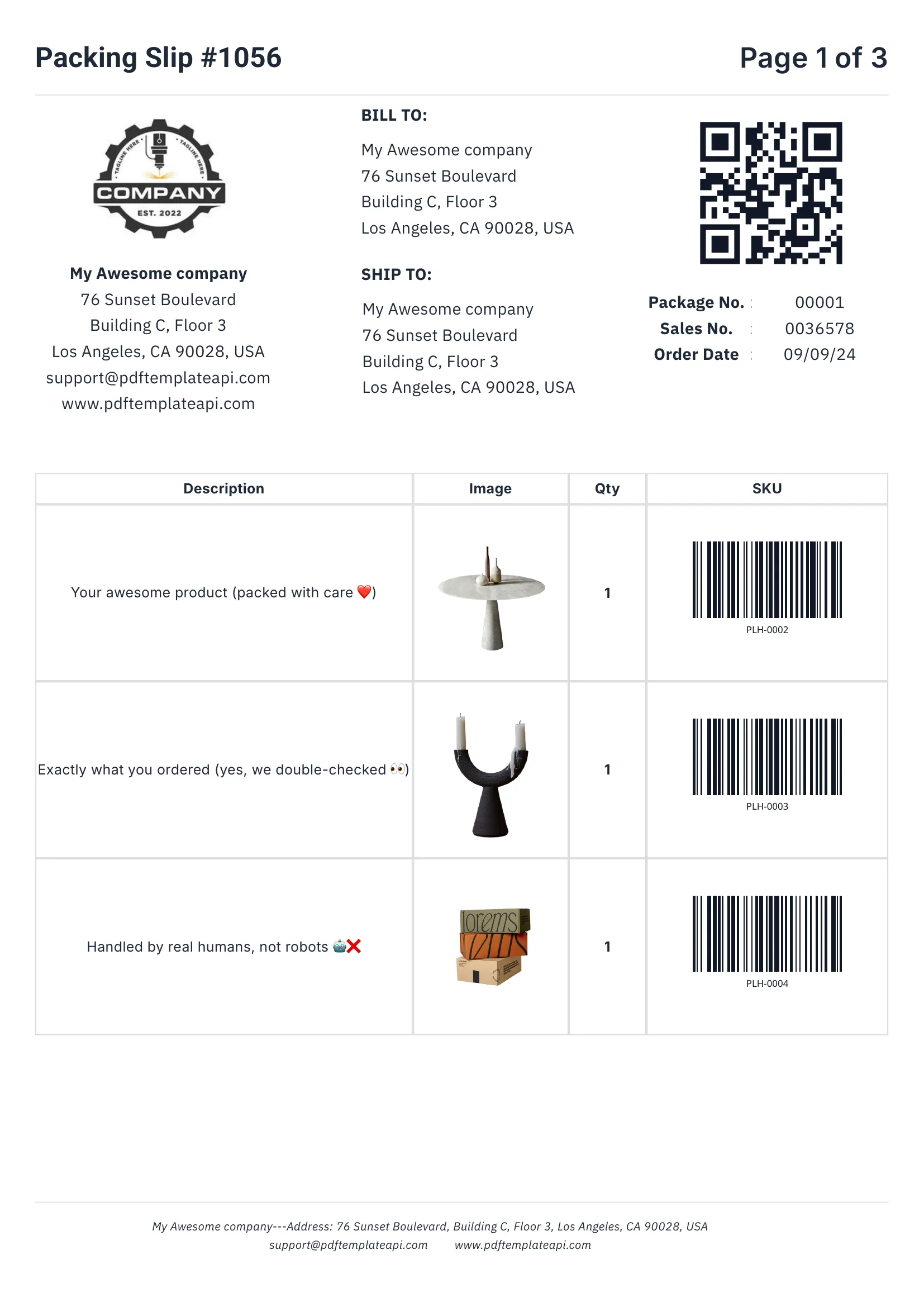
Generated PDF - Emily Davis
Generated PDF - Robert Brown
Generated PDF - John Doe

How it works

Test PDF generation in Postman in just a few steps.

1

Get your API key

Sign up for TemplateFox and get your API key from the dashboard.

2

Open Postman

Create a new request or import our collection to get started quickly.

3

Configure the request

Set the endpoint URL, add your API key header, and configure the JSON body.

4

Send and test

Send the request and verify the PDF URL in the response. Use code generation for integration.

Why use Postman

Postman is the perfect tool for testing and integrating with the TemplateFox API.

API Testing

Test the PDF generation API before integrating it into your application. Verify responses and debug issues.

Code Generation

Use Postman's code generation feature to get ready-to-use code snippets in any programming language.

API Exploration

Explore all available endpoints, parameters, and response formats in an interactive environment.

Documentation

Use Postman as living documentation with examples you can run and modify.

Automated Testing

Set up automated API tests using Postman's collection runner and Newman CLI.

Team Collaboration

Share collections with your team to ensure everyone uses the API correctly.

Powerful features

Everything you need to create professional PDFs at scale.

Visual Template Editor

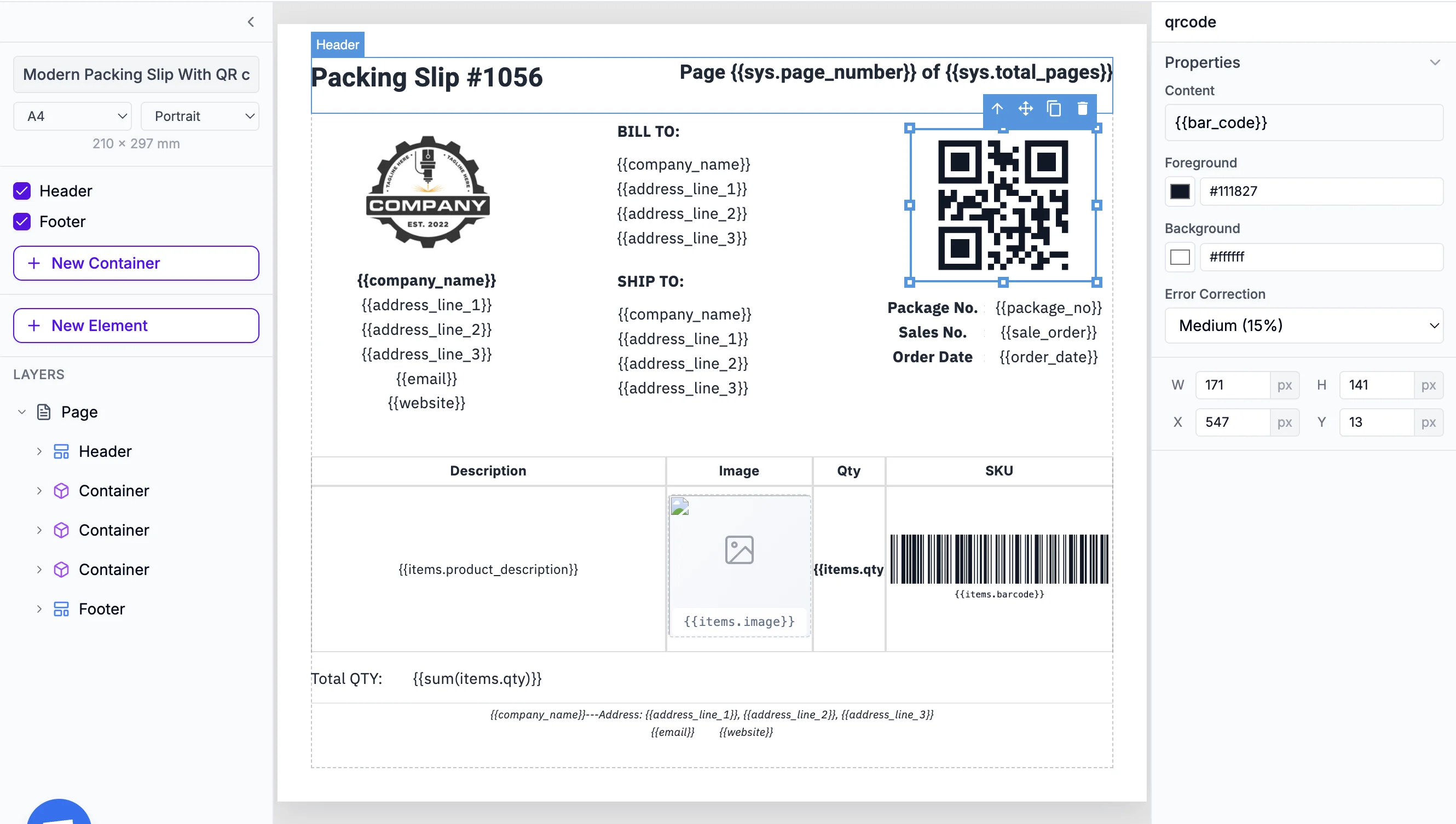
Design templates with drag-and-drop. No HTML or CSS required.

Instant Generation

PDFs generate in 1-3 seconds and you get a download URL.

Dynamic Data

Pass any JSON data to populate your templates automatically.

Quick setup guide

Test your first PDF in under 5 minutes.

1. Get your API Key

Go to your Dashboard → API Key and copy your API key.

2. Create a new request

In Postman, create a new POST request to https://api.pdftemplateapi.com/v1/pdf

3. Add the API key header

In the Headers tab, add: X-API-Key: your-api-key

4. Configure the body

In the Body tab, select "raw" and "JSON". Add your template_id and data object.

5. Send the request

Click Send and check the response for your PDF URL. Use "Code" button to generate integration code.

Need detailed API documentation?

View API Docs

Ready to test the API?

Get your API key and start testing PDF generation in Postman. 100 free PDFs every month, no credit card required.

Get Started for Free

Automate your PDF generation

Complete documentation, no-code integrations, and a powerful API to help you generate PDFs at scale. Let us handle the boring stuff.