

About the TemplateFox Node
The official TemplateFox community node for n8n lets you generate PDFs from templates with dynamic data. Works synchronously — returns the PDF URL immediately. Compatible with n8n AI Agents.
Why automate certificates?
Student completes your course. You get a notification. Now you need to create their certificate — fill in their name, the course title, today's date, maybe acknowledge their 95% score somehow. Do this for every completion and it adds up fast.
With AI, you can do more than fill-in-the-blanks. The AI agent sees their score was 95% and writes "with Distinction." Sees they finished in 3 days instead of 30 and mentions their exceptional dedication. Each certificate feels personal.
Here's what we're building: LMS webhook fires → AI generates achievement text → certificate renders → email sends.
Create your certificate template
Design a certificate with dynamic fields. The key is the achievement description — that's where AI shines.
Template fields
name— recipient namejob_l— left signature titlejob_r— right signature title
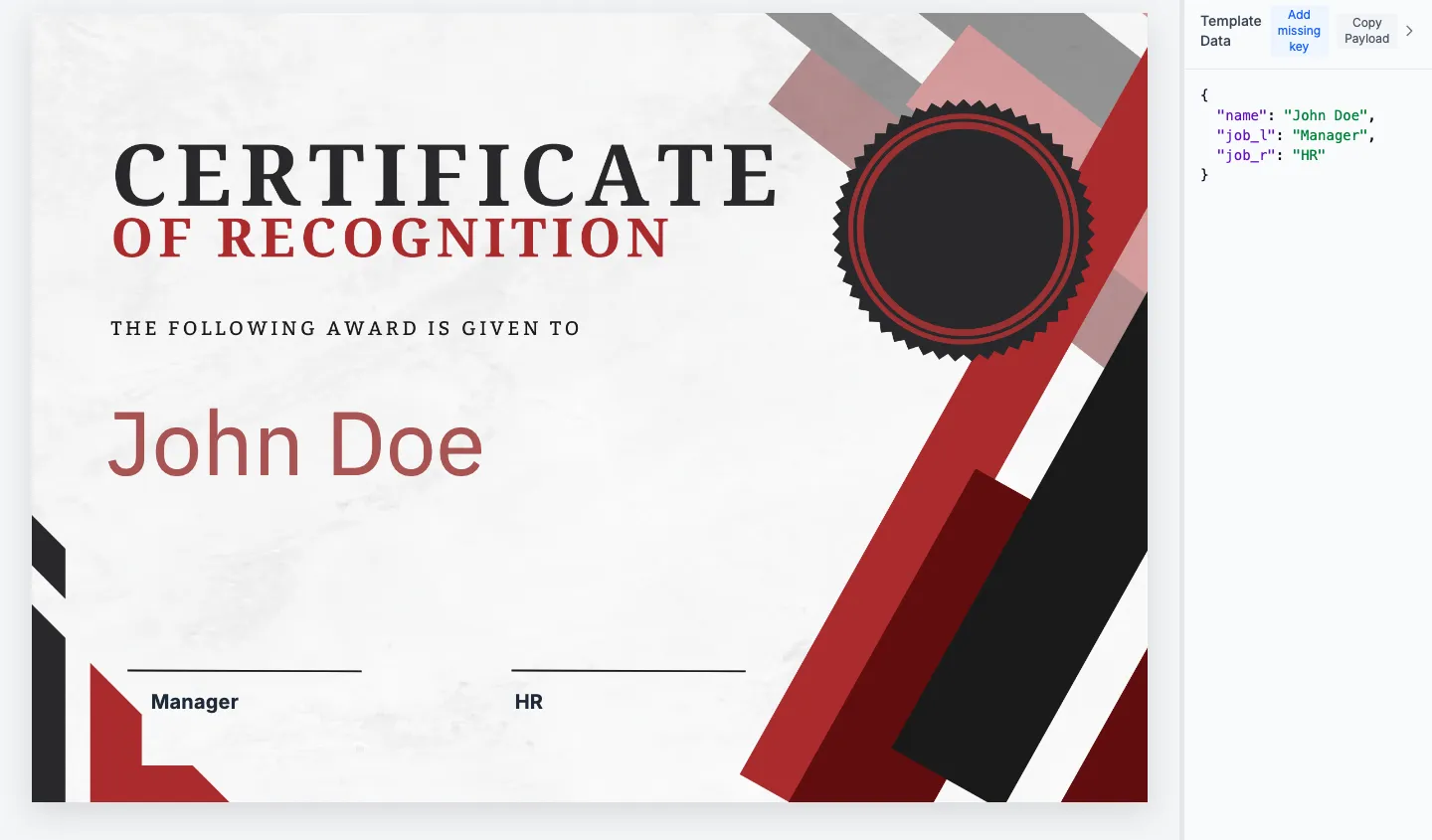
Example values
name→ "John Doe"job_l→ "Manager"job_r→ "HR"
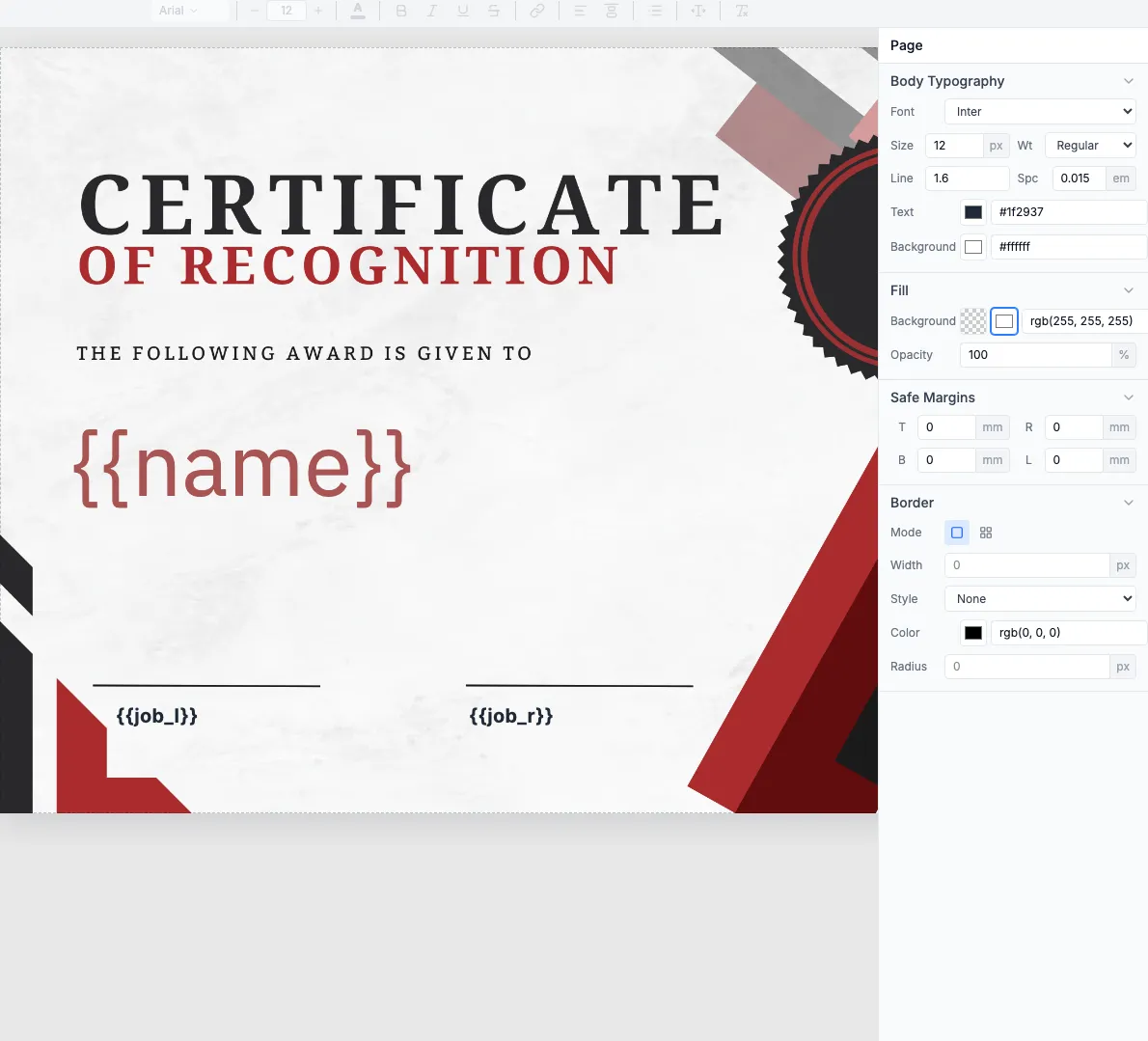
Template options: Browse certificate templates
Build the workflow
2.1 — LMS webhook trigger
Add a Webhook node to receive course completion events from your LMS:
- Configure your LMS to POST to the n8n webhook URL
- Payload includes: student name, email, course, score, completion date
2.2 — Map certificate data
For simple certificates, map fields directly from your LMS webhook:
When to add AI: If your template has an achievement description field, AI can generate personalized text based on score/completion time. This simple template uses static signature titles.
2.3 — Generate certificate
Add the TemplateFox node with your certificate template:
- Map
namefrom webhook student data - Map
job_landjob_rfrom AI output or static values
2.4 — Email to student
Add a Send Email node to deliver the certificate:
Result: Every graduate gets a certificate that acknowledges their unique achievement.
Batch generation for cohorts
For end-of-course batch processing, add a Loop Over Items node:
- Trigger: Google Sheets with student list, or manual webhook
- Loop: Process each student row
- AI: Generate achievement text for each
- TemplateFox: Generate certificate
- Email: Send to each student
