

About the TemplateFox Node
The official TemplateFox community node for n8n lets you generate PDFs from templates with dynamic data. Works synchronously — returns the PDF URL immediately. Compatible with n8n AI Agents.
Why automate packing slips?
Orders come in around the clock. Each one needs a packing slip with the customer name, shipping address, line items, and often a barcode for warehouse scanning. Manually creating these is tedious and error-prone.
With n8n, every new order automatically generates a PDF packing slip. The workflow maps order data to template fields, generates the PDF, and delivers it to your fulfillment team — no manual work required.
Here's what we're building: order webhook → TemplateFox generates PDF → email/save to warehouse.
Choose a template
Pick a packing slip template that matches your needs. This template includes QR code and barcode for easy scanning:
Modern Packing Slip with QR & Barcode
Line items table, order barcode, QR code for tracking URL, shipping and billing addresses.
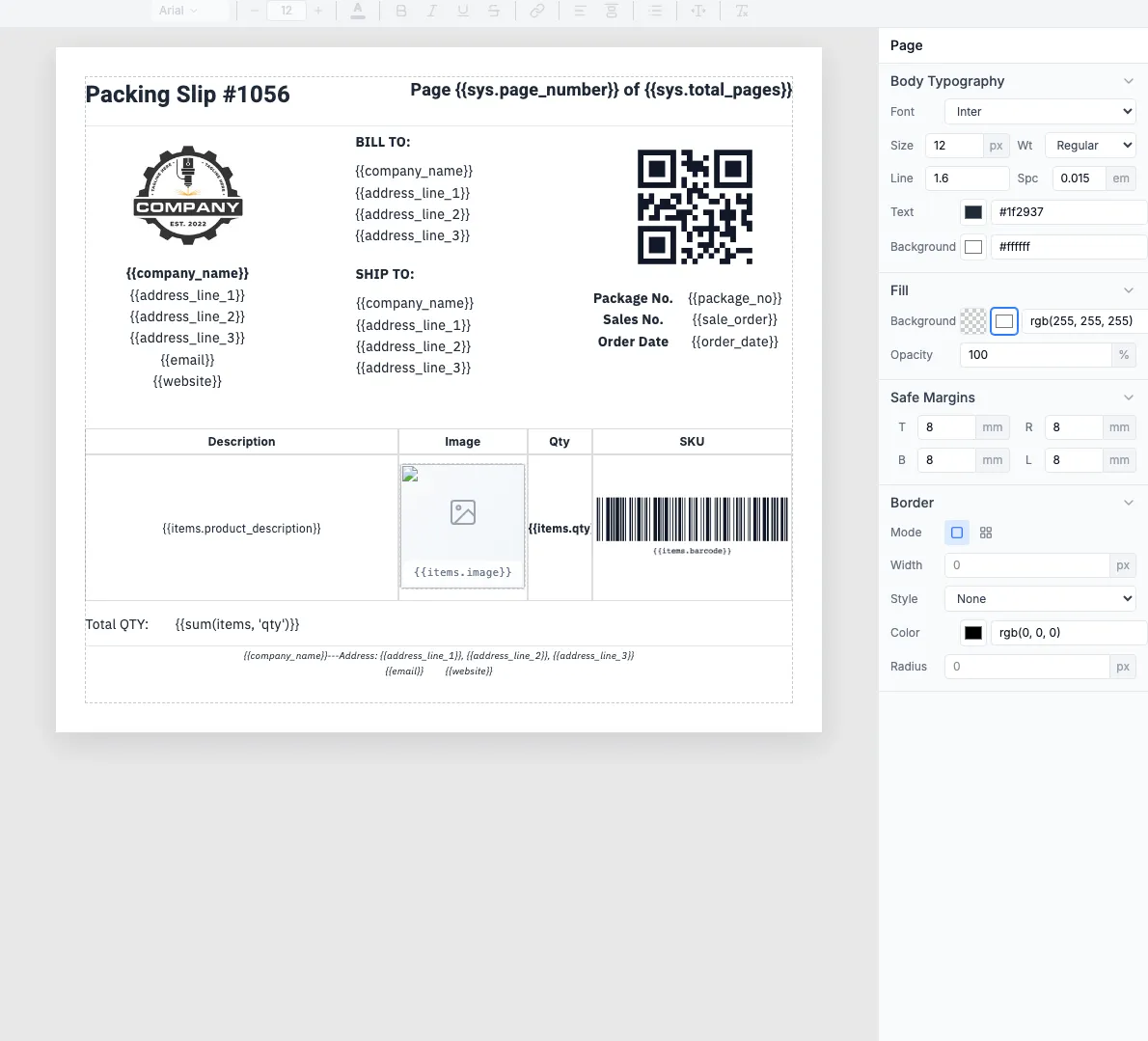
Use this template →The template editor shows all the fields you can customize:
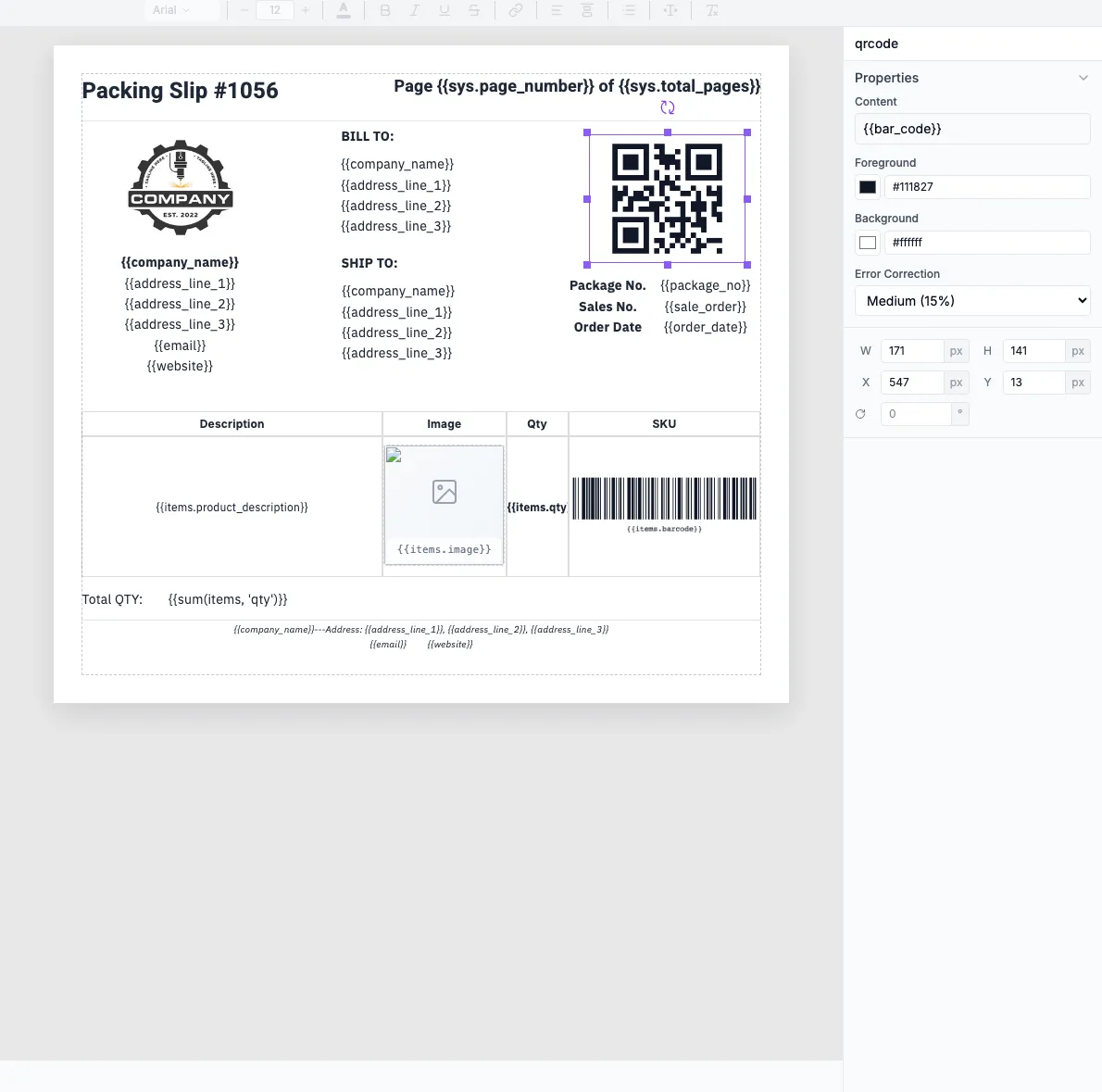
The QR code component uses the {{ bar_code }} field for scanning:
Template fields: company_name, address_line_1/2/3, items (array with product_description, qty, barcode), bar_code, order_date
Build the workflow
2.1 — Order trigger
Add a Shopify Trigger (or WooCommerce, BigCommerce, webhook):
- Event:
orders/createororders/paid - Data includes: customer info, shipping address, line items, order ID
2.2 — Generate PDF
Add the TemplateFox node and map order data to template fields:
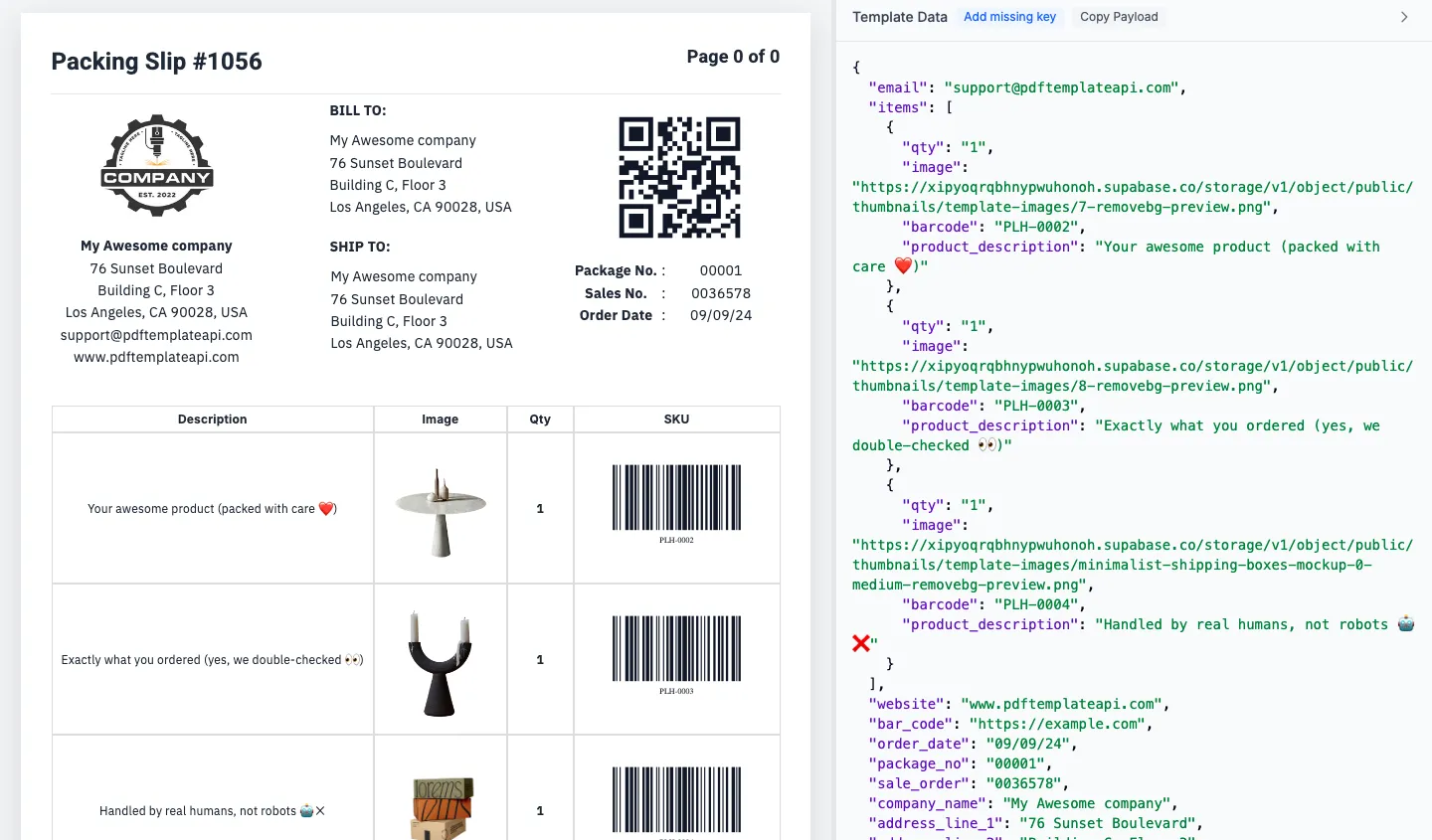
The generated PDF includes all order details:
2.3 — Deliver to warehouse
Add a delivery node after PDF generation:
Send to warehouse@company.com with PDF attached
Google Drive
Save to shared folder, organized by date
Result: Every order automatically generates a scannable packing slip and delivers it to your fulfillment team.
